Artwork Specs

- Preferred Formats
Adobe PDF ( Please set as Press Quality ). Adobe Indesign, Photoshop, Illustrator Files PDF, TIF, EPS Files 300 dpi min. Colour: All files to be in CMYK. ( No Spot Colours ) Fonts: Convert all fonts to Curves, Outlines

- Bleed Area
Always add minimum 2mm bleed to each side of the print job - when you require images, photos and solid colour blocks to run to the edge of the page. Text, logos that you do not want "chopped off" should be inside the margin area. e.g. min 4mm from the edge of trim size outside edge.

- Why add bleed?
A bleed area is a Printed area which extends outside the trimmed area. It is not possible to print all the way to the edge of the paper sheet. To achieve this effect it is necessary to print a larger area than is required and then trim the paper down.

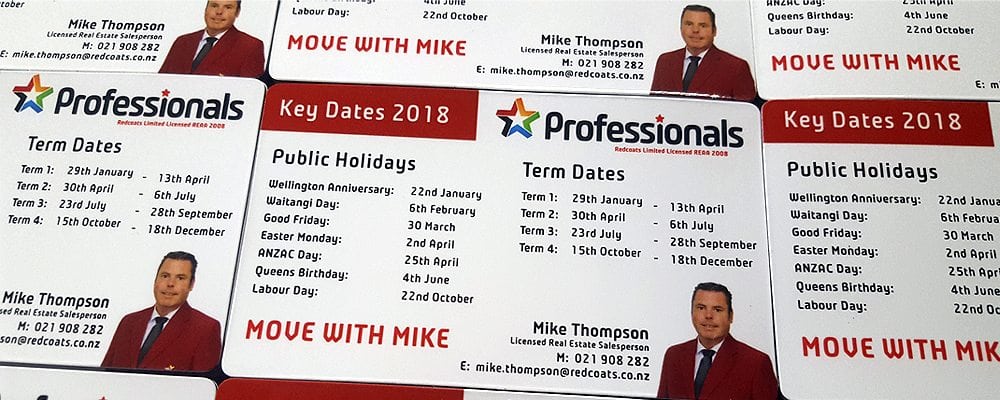
Example of Business Card / Fridge Magnet (90x55mm)
The same rules apply for all magnet templates.

Artwork Template: 94 x 59mm.
( Includes 2mm Bleed to all sides )

All Text 6mm in from the sides.

CMYK Colour Only - No Spot Colours
Convert all Fonts to Curves or Outlines.

Accepted file types = PDF, TIF or EPS
Please do not include TRIM or DIE LINES.


Print Artwork Sample Templates

- 50 x 50mm - 65 x 65mm - 70 x 50mm Portrait
- 70 x 70mm Circle - 70 x 70mm Square - 90 x 50mm Portrait
- 90 x 50mm - 90 x 55 House - 90 x 55mm Portrait
- 90 x 55mm - 90 x 80mm Portrait - 90 x 80mm
- 120 x 75mm Portrait - 120 x 75mm.pdf - 140 x 100mm Portrait
- 140 x 100mm - 185 x 50mm Portrait - 185 x 50mm
- 210 x 145mm Portrait - 210 x 145mm - Picture Frame 170 x 130mm Portrait
- Picture Frame 170 x 130mm - Van - Long Window - Van
- 90 x 60mm - 90 x 60mm Portrait
Make an enquiry     Portfolio     Sitemap     Contact Us     Articles